Your Playnite library, wherever you are.
Syncnite mirrors your Playnite library to the cloud so you can browse, tag, and organize it from any browser — edits sync straight back to Playnite on your PC.
Pair the plugin
Install Syncnite inside Playnite, generate a one-time code on the web, and paste it in — takes under a minute.
Browse from anywhere
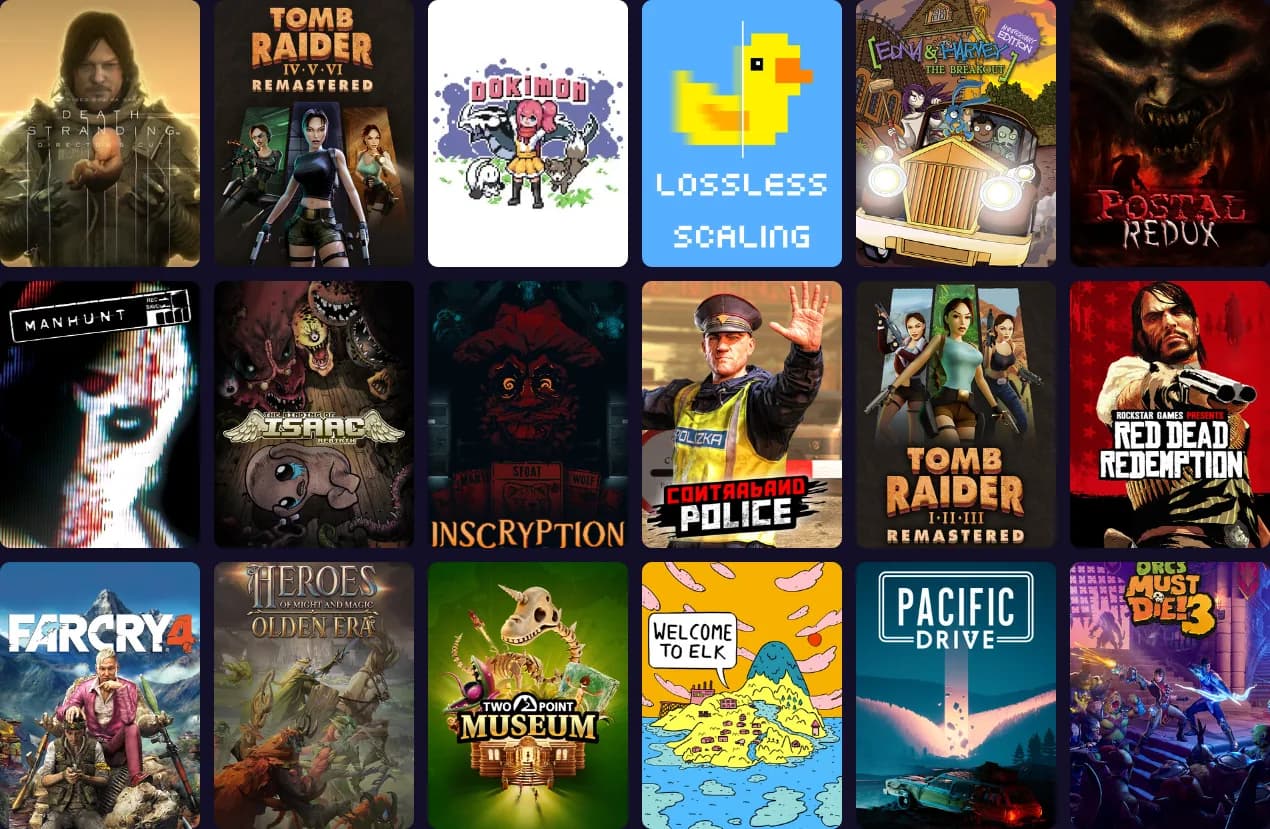
Your whole library, covers and all, in any browser. Search, sort, and filter without opening Playnite.
Edit and it syncs back
Tags, notes, and completion status you set on the web land back in Playnite automatically.
Setting up the plugin
- 1
Create your account
Sign up for free — no credit card, nothing to remember to cancel.
- 2
Install the plugin
In Playnite, go to Add-ons → Browse and search "Syncnite" — or grab the latest
.pextfrom GitHub and drag it onto a running Playnite window (or double-click it) to install. - 3
Generate a pairing code
Once you're logged in, open Settings and click "Generate pairing code."
- 4
Connect Playnite
In Playnite, go to Add-ons → Extension Settings → Syncnite, paste the code, and click Connect.
- 5
Sync
Click "Sync Now," or just leave it — it syncs automatically on startup. Your library shows up here within a minute.
Frequently asked questions
- Is Syncnite free?
- Yes — no paywall, no feature gate. There's an optional tip button in the corner if you want to support it, but it's entirely optional.
- What exactly does it sync?
- Two one-way streams, so they can never conflict with each other. Playnite → web keeps install status, playtime, last played, source, and (if you use the PlayniteAchievements plugin) achievement counts. Web → Playnite keeps tags, categories, notes, completion status, favorites, and hidden status. Each field only ever has one side editing it.
- Does it need my Steam, GOG, or Epic login?
- No. Syncnite only ever talks to Playnite, which already has your library — it never logs into any storefront directly.
- Is my library private?
- Yes — only your account can see it. See the privacy page below for exactly what's stored.
- Which game sources are supported?
- Anything Playnite tracks. Cover art loads instantly for Steam games; other sources fall back to a metadata lookup, so their covers can take a little longer to appear on first sync.
- Can I connect more than one PC?
- Yes — pair the plugin on each PC you use. Every device you pair syncs to the same account.
- Does this replace Playnite?
- No. Playnite still does everything locally — launching games, tracking playtime. Syncnite just mirrors that to the cloud so you can browse and organize it from anywhere.
- What if I want to stop using it?
- Delete your account from Settings at any time — that removes your synced library and connected devices immediately, nothing lingers.